
Last Updated: November 21, 2026
Quick Summary
The benefits of OSDP over Wiegand for commercial access control come down to one structural fact: Wiegand is a one-way broadcast, and OSDP is a two-way conversation. In any OSDP vs Wiegand comparison, that bidirectional channel enables encrypted Secure Channel messaging, real-time tamper and health reporting, and remote configuration that Wiegand cannot support.
- Wiegand transmits card data in plain text, so anyone with cable access can capture credentials.
- OSDP Secure Channel only protects you if it is enabled and keys are managed properly.
- OSDP runs over RS-485 and supports multi-drop, letting several readers share one cable run.
- Confirm the panel’s firmware and hardware revision, not just the model family’s spec sheet.
- Test one pilot door on the actual cable path before committing the building.
Table of Contents
- OSDP vs Wiegand: The Core Difference That Decides Your Upgrade
- Security Gaps in Wiegand That Commercial Facilities Can No Longer Ignore
- Inside OSDP Secure Channel and What It Protects
- OSDP Reader Compatibility: What Works With Your Existing Panels
- OSDP Access Control Wiring and the Cabling Savings It Creates
- Planning a Commercial Access Control System Upgrade
- Book a Free Consultation With Systems Integrations
- Frequently Asked Questions
OSDP vs Wiegand: The Core Difference That Decides Your Upgrade
The benefits of OSDP over Wiegand for commercial access control come down to one structural fact: Wiegand is a one-way broadcast, and OSDP is a two-way conversation. Every reader upgrade comes down to that single distinction, because it explains nearly every security and operational gap that follows. Wiegand readers send credential data to the controller and receive nothing back. OSDP, maintained as an open standard by the Security Industry Association, lets the controller and reader talk in both directions.
How Wiegand Sends Card Data
Wiegand is a legacy wiring interface, not a true protocol. A reader pulls a credential, translates it into a bit stream, and pushes it down a handful of wires to the control panel. There is no handshake, no acknowledgment, and no encryption. The panel cannot ask the reader whether it is healthy, tampered with, or even still connected. As SEN News explains in its OSDP vs Wiegand comparison notes, Wiegand transmits card data in plain text, which means anyone with physical access to the cable run can capture credentials.
How OSDP Changes the Conversation
OSDP is a bidirectional communication protocol that lets the controller and reader exchange commands, status, and encrypted data over a single supervised connection. The reader reports tamper events, configuration changes, and health status in real time. Firmware updates and configuration changes can be pushed remotely. That two-way channel is the foundation for everything else in this comparison.
Security Gaps in Wiegand That Commercial Facilities Can No Longer Ignore
The biggest mistake we see in legacy sites is treating Wiegand as “good enough because it still works.” It works, but it leaks.
Watch out: quick-fix repairs on aging Wiegand runs often splice in new readers without addressing the underlying plain-text transmission, which leaves the same exposure in place. Our team covers that liability in more detail in how quick access control repairs can compromise security.
Inside OSDP Secure Channel and What It Protects
OSDP Secure Channel is the encrypted mode of the protocol, and it is the feature that changes the risk profile. When Secure Channel is enabled, every message between reader and controller is authenticated and encrypted, so intercepted traffic is useless to an attacker.
The catch most guides skip: Secure Channel only protects you if it is actually turned on and keys are managed properly. Plenty of installations run OSDP in plain-text mode, which delivers the wiring benefits but none of the encryption.
OSDP Reader Compatibility: What Works With Your Existing Panels
OSDP reader compatibility is better than most facility managers expect, but it is not universal, and the only way to know what your site supports is to verify it device by device. Many control panels sold over the last decade support OSDP through a firmware update, and readers increasingly ship OSDP-ready. The practical questions are whether your panel’s firmware supports Secure Channel, whether the reader is OSDP Verified through the Security Industry Association’s compliance program, and whether your existing cabling can carry the signal.
What OSDP Compliance Actually Means
OSDP is maintained as an open standard by the Security Industry Association, and the association runs an OSDP Verified program that tests devices against the standard’s profiles rather than against a single vendor’s implementation. That matters at the panel because OSDP defines more than one communication profile. A reader and controller can be wired for OSDP but negotiate a plain-text profile, or they can be configured for Secure Channel with encrypted messaging.
A Compatibility Check You Can Run Before You Buy
Work through it in this order:
- Identify every panel model and firmware version. Firmware is the usual blocker. A panel that supports OSDP on current firmware may not support it on the version installed in your closet.
- Confirm Secure Channel support on both ends. The panel and the reader each need to support it. A Secure Channel-capable panel paired with a reader that only does plain-text OSDP gives you the wiring benefits and none of the encryption.
- Check the reader’s OSDP Verified status. The association’s compliance listing is the neutral source; a vendor datasheet is not.
- Inspect the cable plant. OSDP runs over RS-485, which is a two-wire, multi-drop bus. Existing Wiegand cable runs often have spare conductors that can be reused, but distance, cable quality, and electrical noise determine whether the run will carry a reliable signal.
- Test one door before committing the building. A pilot door proves the panel firmware, reader profile, Secure Channel configuration, and cabling all work together before you scale.
Watch out: a panel that lists OSDP support in its marketing materials may only support it on a specific hardware revision, so confirm the firmware and hardware combination on the actual unit in your closet rather than the model family’s spec sheet.
Mixed-Protocol Sites Are the Normal Case
Many commercial sites migrate in phases, with new doors going in on OSDP while legacy Wiegand doors stay in service on the same panel. That works when the panel supports both protocols simultaneously, which many current controllers do.
|
Factor |
Wiegand |
OSDP |
|---|---|---|
|
Communication |
One-way, reader to panel |
Bidirectional |
|
Encryption |
None |
Secure Channel |
|
Tamper reporting |
Not supported |
Real-time alerts |
|
Wiring |
Multiple conductors per reader |
Two-wire, multi-drop capable |
|
Remote configuration |
Not possible |
Supported |
|
Distance and reliability |
Limited, unsupervised |
Supervised, longer runs |
Best for OSDP: multi-site portfolios, healthcare, government contracting, and any facility with compliance obligations. Skip if: you have a single-door site with a panel that cannot be upgraded and no compliance driver.
OSDP Access Control Wiring and the Cabling Savings It Creates
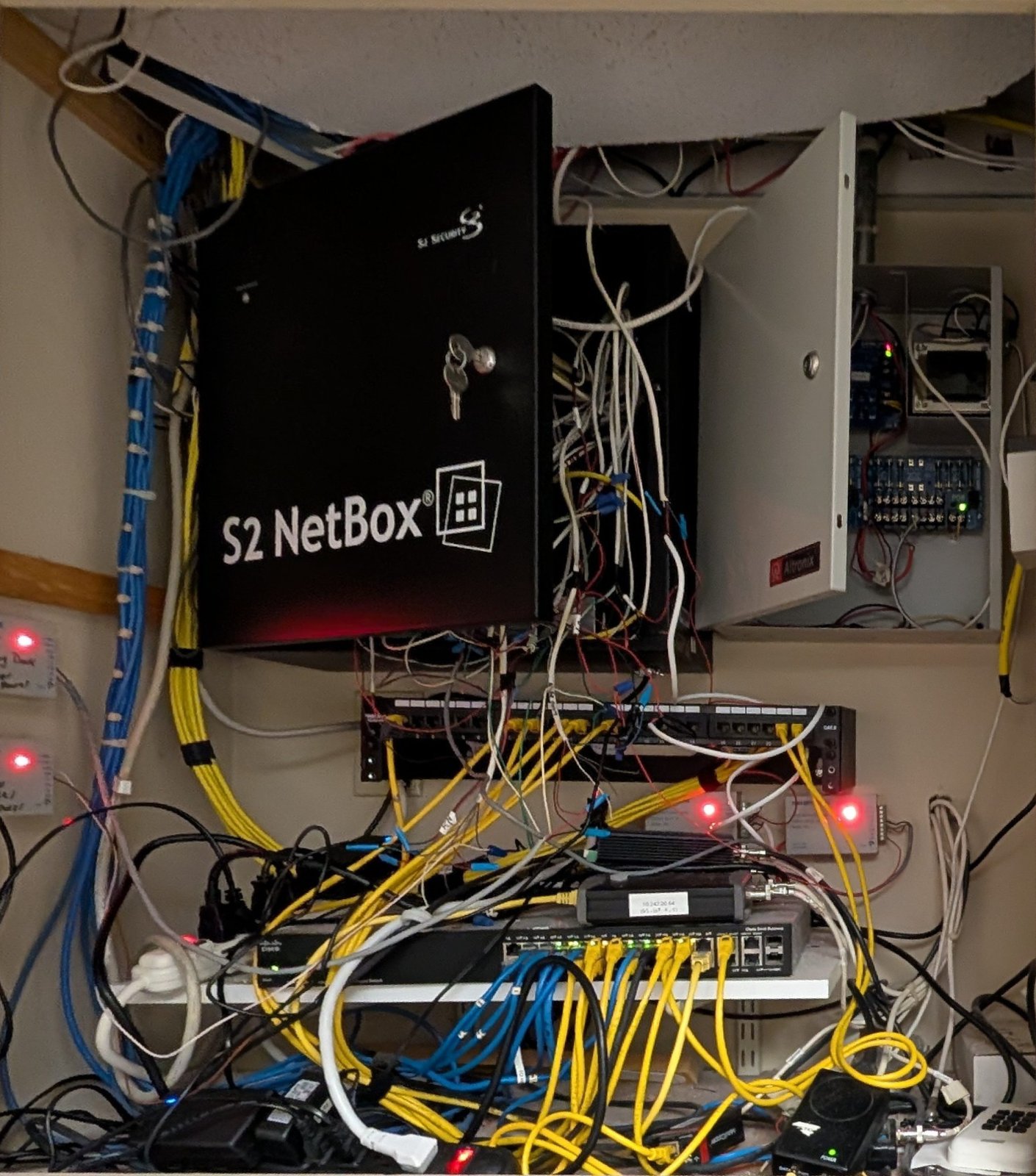
OSDP access control wiring is where the upgrade often pays for itself faster than expected. OSDP runs over RS-485 and supports multi-drop, meaning several readers can share a single cable run back to the panel.
Planning a Commercial Access Control System Upgrade
A commercial access control system upgrade succeeds or fails on planning, not hardware. The top-ranking guides explain what OSDP does; far fewer explain how to move a live site from Wiegand to OSDP without disrupting operations or overpaying. That migration plan, and the cost structure behind it, is where most projects actually go wrong.
A Phased Migration Checklist
A sound project starts by inventorying panels, firmware versions, and cable paths, then mapping which doors can move to OSDP now and which need a panel replacement first. A workable sequence looks like this:
- Inventory and classify. List every panel, firmware version, reader, and cable run. Classify each door as OSDP-ready now, OSDP-ready after a firmware update, or blocked pending a panel replacement.
- Run a pilot door. Convert one representative door and verify Secure Channel, tamper alerts, and remote configuration end to end before scaling.
- Phase by building or floor. Grouping doors by physical area keeps operations running and spreads the capital outlay across budget cycles.
- Plan the mixed-protocol period. Decide how long Wiegand and OSDP doors will coexist on the same panel and confirm your software reports both consistently.
- Document a rollback path. Keep the original reader and wiring configuration recorded for each door so a failed conversion can be reversed without guesswork.
- Close out with compliance documentation. Get quotes in writing that specify OSDP mode, Secure Channel, and compliance documentation, because a low bid that quietly omits encryption is not a lower price, it is a smaller scope.
Watch out: a pilot door that passes on the bench can still fail in the ceiling if the existing cable run is noisy or too long, so test the pilot on the actual cable path, not a temporary jumper.
Where the Money Actually Goes
The total cost of ownership comparison is not reader price against reader price. The line items that move a budget are:
- Readers. OSDP-ready readers are widely available, and the per-door hardware delta is usually smaller than the labor delta.
- Controllers and panels. If existing panels need replacement to support Secure Channel, that is the largest single line item and the one that drives phasing.
- Cabling and labor. OSDP’s two-wire, multi-drop bus can let several readers share a run, which can shrink a re-cabling job on door-heavy buildings. On retrofits, spare conductors in existing Wiegand cable are sometimes reusable, which cuts labor further.
- Configuration and key management. Secure Channel requires setup and ongoing key management. That is a real operational cost, and skipping it leaves you with plain-text OSDP.
- Downtime and scheduling. After-hours and phased work carries labor premiums that a single-pass installation avoids.
The balance between cabling and labor savings and reader and controller cost depends on door count, cable condition, and whether panels can be updated rather than replaced. Pricing depends on these factors, so contact Systems Integrations for a quote tailored to your site.
Two resources help at this stage: our list of 7 questions to ask before upgrading your access control system, and our guide to the signs your access control system needs an upgrade. It is also worth reading why the lowest security quote is usually your highest risk before you compare proposals.
Book a Free Consultation With Systems Integrations
The gap between Wiegand and OSDP is not a hardware trend. It is a shift from trusting a wire to verifying a conversation. Facilities that stay on Wiegand carry credential-capture risk they cannot see and cannot audit.
Systems Integrations brings a cybercentric approach to physical security, with NDAA-compliant systems and centralized management across multi-site portfolios. Our Card Access work covers reader and panel upgrades like the OSDP migration described here, and because access control rarely stands alone, we also design and install Video Surveillance and Intrusion systems that tie into the same management platform. If you want to understand why we are the right integrator for the job, see why choose Systems Integrations.
If your readers are broadcasting credentials in plain text, every door is a potential entry point. Systems Integrations designs cloud-managed access control with OSDP Secure Channel, NDAA-compliant hardware, and centralized monitoring across every site you operate.
Frequently Asked Questions
Is OSDP more secure than Wiegand?
Yes. Wiegand transmits card data in plain text over the wire, so anyone who taps the cable can capture credentials. OSDP with Secure Channel encrypts reader-to-controller communication and authenticates both ends of the connection. It also supports tamper detection, so a reader that is opened or removed can send an alert to the control panel. For a commercial access control system, that closes the two biggest physical-layer gaps in a legacy install.
Can OSDP use existing Wiegand wiring?
In many cases, yes. OSDP runs over RS-485, which needs a twisted pair, and most Wiegand runs already use multi-conductor cable that can carry it. The catch is that the panel and reader both need to support OSDP, and the wiring has to be free of damage or excessive noise. A site survey confirms whether the existing cable works or whether OSDP access control wiring needs to be pulled fresh.
When should a commercial facility upgrade from Wiegand to OSDP?
Move first if you have government or NDAA compliance obligations, high-value areas, or readers in unsupervised locations. Also prioritize OSDP when you are replacing panels, expanding a site, or consolidating multi-site access control, since the labor is already being scheduled. Facilities still running older Wiegand readers with no other work planned can phase the change building by building rather than doing a full rip-and-replace.
Are OSDP readers compatible with Wiegand access control panels?
Many OSDP readers ship with a Wiegand mode, so they can talk to a legacy panel today and switch to OSDP later when the controller is replaced. That makes OSDP reader compatibility a practical bridge: install OSDP-capable hardware now, keep the old panel running, and enable Secure Channel during the next controller refresh. Confirm the reader’s firmware supports both modes before you buy.
