
Last Updated: November 19, 2026
Quick Summary
A small office access control system decides who can open which door and when, built from credentials, readers and controllers. Integration means these parts, plus alarms and cameras, follow one set of rules instead of working as separate locks. Following a fixed sequence of steps keeps the project on track.
- Map every door and its users before buying any hardware.
- Choose the credential and controller as a matched pair so the reader supports them.
- Put access controllers on a segmented network separate from staff and guest Wi-Fi.
- Set all controllers, cameras and alarm panels to one network time source.
- Test failure scenarios such as network and power loss, not just valid cards opening doors.
Table of Contents
- What a Small Office Access Control System Does and Why Integration Matters
- Door Access Control Systems for Business: Choosing Credentials, Readers and Controllers
- Cloud-Based Access Control Systems vs. On-Premises: Which Fits a Small Office
- Step-by-Step Small Office Access Control Integration Workflow
- Access Control and Video Surveillance Integration for a Small Office
- Access Control System Cost: Budgeting and Total Cost of Ownership
- Securing the System: Access Logs, Privacy and Ongoing Maintenance
- Scheduling Your Office Access Control Assessment
- Frequently Asked Questions
What a Small Office Access Control System Does and Why Integration Matters
A small office access control system decides who can open which door, and when.
Integration matters because a disconnected setup creates gaps.
Most small offices grow security in stages: a key system from the lease, a keypad added later, cameras bought separately. Each piece works, but none share a schedule or a log. Integration makes them behave like one system.
Door Access Control Systems for Business: Choosing Credentials, Readers and Controllers
A door access control system has three working parts: the credential a person carries, the reader that checks it, and the controller that decides whether the lock opens. Each choice affects how easy the system is to run later.
Credentials are the most visible choice. Key cards and fobs are familiar and cheap to replace. Mobile credentials in a phone wallet reduce what staff carry and make remote revocation simple.
Readers should match the credential type. A reader that only handles one card format will force a replacement if you later move to mobile credentials, so check supported formats before you buy.
Controllers hold schedules and permissions. Some run locally and keep working during an internet outage; others depend on a cloud service.
Cloud-Based Access Control Systems vs. On-Premises: Which Fits a Small Office
The two main approaches differ in where the management software and access database live.
A cloud-based system keeps the database and management interface on a hosted service.
An on-premises system keeps the database on a server in your building. It keeps working when the internet drops and keeps event data inside your network, which some compliance rules require.
For most small offices, the deciding factors are the number of sites, how often schedules change, and internet reliability.
Step-by-Step Small Office Access Control Integration Workflow
The integration process is easier when it follows a fixed order, because each step produces the input the next one needs. Skipping ahead usually means rework, most expensively, discovering a compatibility problem after hardware is on the wall.
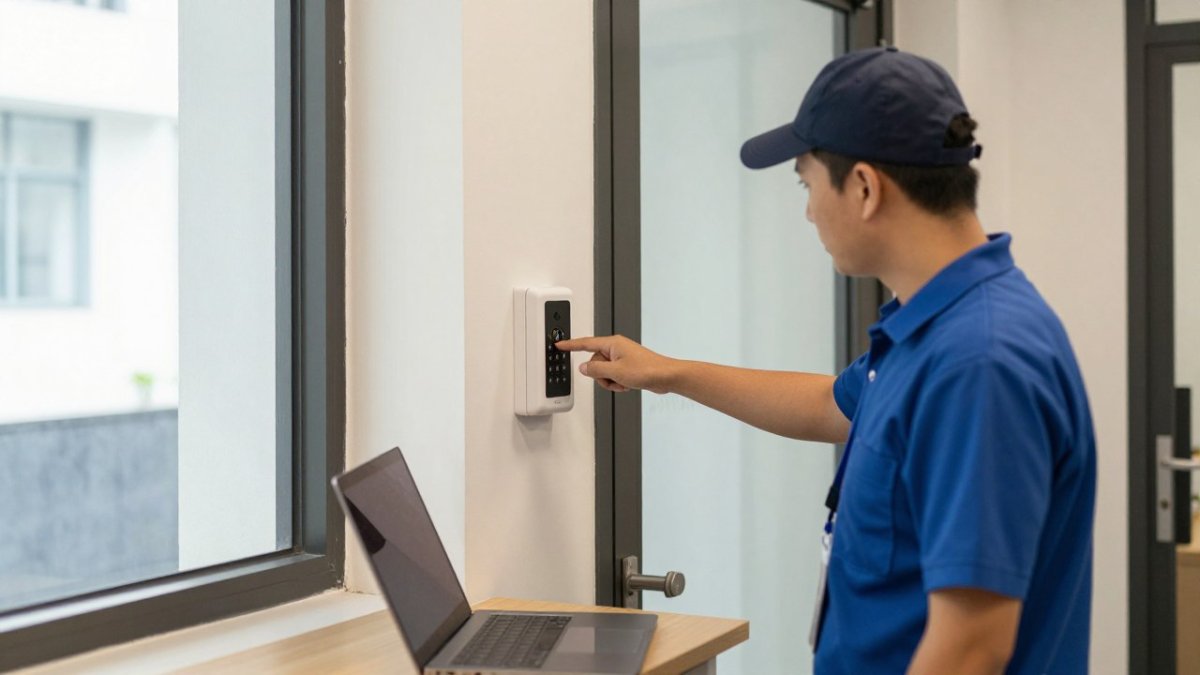
- Map the doors and the users. List every door, its purpose, whether it is interior or exterior, and who needs access. Note which doors need audit trails (server room, records room, cash office) and which are convenience doors (break room, supply closet). This list becomes the basis for schedules and permissions later.
- Confirm what already exists. Record the lock type on each door, the reader and card format in use, the wiring path and cable type, and the network drops available near each door. Photograph the inside of each lock and the panel before anything is touched.
- Choose the credential and controller platform together. Pick them as a pair so the reader supports the credential you plan to issue and the controller supports the reader. Confirm the management software can export events to the alarm and video systems you already own.
- Plan the network path and segmentation. Decide which controllers connect to the network and which run standalone. Put access controllers on a segmented network or VLAN separate from staff computers and guest Wi-Fi, and document the IP addresses and ports the management platform needs.
- Connect the alarm and camera systems. Define which door events should trigger a camera recording, an alarm response, or a notification. Agree on the event format and the time source before configuring links.
- Load schedules and permissions. Build access rules from the user list in step one, then test them against the door list, especially after-hours and holiday schedules, which are the most commonly misconfigured.
- Test, commission, and hand over. Run the tests below, record the results, and train at least two administrators so the office is not dependent on one person.
Compatibility Checks for Existing Locks, Readers, Wiring and Network
Before you buy anything, check what the building already has, because compatibility failures are the most common cause of integration delays.
- Lock type and power. A magnetic lock is fail-safe (it releases on power loss) and needs a separate power supply and a request-to-exit sensor; an electric strike is typically fail-secure and may need door-position monitoring. Confirm the lock matches the fail-safe or fail-secure behavior your egress plan requires.
- Reader and card format. Reader and credential formats must match the controller. Older 125 kHz proximity cards are common in legacy systems and easy to clone, so many offices replace them during an upgrade. Confirm whether the reader supports mobile credentials before committing to a card-only path.
- Wiring. Controller-to-reader and controller-to-lock runs have maximum cable lengths and gauge requirements; a run that is too long or the wrong gauge causes intermittent reads that are hard to diagnose. Check whether existing cable is stranded or solid, shielded or unshielded, and whether it is in conduit.
- Network. A network-connected controller needs a reliable IP path, a stable address (static or reserved), and power. Confirm whether the door location has a network drop or whether you need a switch or wireless bridge.
- Software and integrations. Confirm the management platform can talk to your alarm panel and camera recorder, and ask which integration method it uses, native, API, or a third-party bridge. A bridge adds a component that can fail independently.
How Access Control Data Flows to Video, Alarms, and Visitor Management
Integration is mostly about which system owns which data and how events move between them. In a typical small-office setup, the access controller is the source of truth for door events: who presented which credential, at which door, and whether access was granted.
Agree on the time source first. Set every controller, camera, and alarm panel to the same network time server before you configure links, or footage and logs will not line up when you need them.
Testing, Commissioning and Failure Scenarios
Test before staff rely on the system, and write down what you tested and what happened.
- Credential walk-through. Walk every credential through every door, including doors where access should be denied. Confirm the denial is logged, not just rejected.
- Schedule tests. Confirm each schedule opens and closes doors at the right times, including after-hours, weekend, and holiday rules.
- Network failure. Disconnect the network and confirm controllers keep the last known rules and continue logging locally. Reconnect and confirm events sync to the management platform.
- Power failure. Simulate a power loss and confirm fail-safe doors release and fail-secure doors stay locked as intended, and that the lock releases on the egress side for life safety.
- Lost credential and revocation. Revoke a credential and confirm it stops working at every door, then reissue and confirm the new credential works.
- Alarm and video triggers. Force a door and confirm the alarm panel responds and the camera records the expected clip.
- Recovery. Confirm you can restore the controller configuration and user database from backup, and that at least two administrators know how.
Record the results in a written test log.
Watch out: testing only the happy path, valid cards opening doors, leaves failure behavior unverified, and failure behavior is what matters during an outage or an incident.
The seven steps are easier to follow when each stage is set out with its purpose and timing.
| Step | What to do | Purpose |
|---|---|---|
| 1. Map doors and users | List every door, its purpose and who needs access | Basis for schedules and permissions |
| 2. Confirm existing setup | Record lock type, reader format, wiring and network drops | Spot compatibility gaps early |
| 3. Choose credential and controller | Pick them as a matched pair | Reader supports the credential issued |
| 4. Plan network path | Segment access controllers from staff and guest networks | Keep the access system isolated |
| 5. Connect alarm and cameras | Define which door events trigger alarms or recording | Link door events to response |
| 6. Load schedules and permissions | Build rules from the user list and door list | Test after-hours and holiday rules |
| 7. Test and hand over | Run tests, record results, train two administrators | Avoid dependence on one person |
Access Control and Video Surveillance Integration for a Small Office
Linking access control with video surveillance lets you see who used a door, not just that it opened. When a door event is tied to a camera, a forced entry or tailgating incident produces a clip you can review, and many small offices set a rule that a door held open past a set time sends an alert. This depends on the video system and access controller sharing timestamps and an event feed, so set both to the same time server before configuring links.
Access Control System Cost: Budgeting and Total Cost of Ownership
Most small-office buyers get a single lump-sum quote and have no way to tell whether it is reasonable.
Credentials. Cards and fobs are the cheapest per unit and the easiest to replace.
Installation and labor. Installation is quoted per door and varies with lock type, wiring condition, and whether the door is interior or exterior.
Management platform. Cloud-managed systems can carry a recurring subscription, and the fee may change as you add doors.
Securing the System: Access Logs, Privacy and Ongoing Maintenance
An access control system holds a record of who entered where and when, which makes it sensitive. Restrict administrator accounts to those who need them and turn on multi-factor authentication for the management console. Decide how long to keep access logs based on your policies and industry rules, and review them rather than just storing them. Keep firmware and software current on controllers and the management platform, and schedule periodic user-list checks to remove former staff. Ongoing maintenance keeps the system trustworthy after the installer leaves.
Scheduling Your Office Access Control Assessment
If you are ready to plan a small office access control system, the next step is an assessment of your doors, credentials, network and existing security equipment. Systems Integrations offers a free consultation to review your current setup and recommend an integration path. Book a free consultation with Systems Integrations to get started on a plan built around your building.
Frequently Asked Questions
What are some good access control systems for small businesses?
The right system depends on door count, how many people need credentials, and whether you want remote management. Small offices typically compare card-based, key fob and mobile credential systems, with cloud-based management as an option. Evaluate each against your existing door hardware, your network, and how easily you can add or remove users. Systems Integrations can review your site and recommend options that fit your layout. Pricing depends on quantity, hardware and installation, so request a quote for current figures.
How do you integrate an access control system in a small office?
Start with a site survey that checks your locks, readers, wiring, network and existing software. Next, confirm which components can communicate with each other, then plan the door schedules and user permissions. Install and commission the system, test every door under normal and failure conditions, and train the staff who will manage credentials. Integration with video surveillance or intrusion alarms should be tested as part of commissioning, not assumed to work after installation.
Can access control integrate with video surveillance and alarms?
Yes. Many access control platforms can link door events to camera recordings and intrusion alarm zones, so a forced door or denied badge can trigger a camera view or alert. Whether this works in your office depends on the compatibility of your access controller, camera system and alarm panel. Systems Integrations offers video surveillance and intrusion services, and a consultation can confirm what is feasible for your site.
Is cloud-based access control a good fit for a small office?
Cloud-based access control can suit a small office that wants to add or revoke credentials remotely, review access events from a browser, or manage several locations from one account. It requires a reliable internet connection and a clear plan for what happens during an outage, such as local door controller fallback. Compare recurring subscription costs with the upfront cost of an on-premises system over several years before deciding.
