
Last Updated: November 7, 2026
Quick Summary
Commercial security system firmware management is worth the effort because it keeps cameras, controllers, and locks secure and reliable, and it is the part that decides whether your system holds up. Treat firmware as a security control, not an IT chore, and run updates through a tested, documented workflow.
- Stage each update on one non-critical device and watch it for a few days before wider rollout.
- Access controllers carry high update risk, so treat them as the priority, not the afterthought.
- Log every change with device name, firmware versions, advisory reference, test result, and approver.
- Publish maintenance windows a quarter ahead so operations teams can plan around them.
- Track update compliance rate, time from advisory to install, rollbacks, and devices past end-of-support.
Table of Contents
- Why Firmware Management Decides Whether Your Security System Holds Up
- What a Security Camera Firmware Update Actually Involves
- Security Device Patch Management Across Cameras, Controllers, and Locks
- Building a Security System Update Policy That Survives an Audit
- Firmware Update Best Practices for Mixed-Vendor, Multi-Site Portfolios
- Measuring Whether Firmware Management Is Working
- Handing Firmware Management to a Single Point of Contact
- Frequently Asked Questions
Why Firmware Management Decides Whether Your Security System Holds Up
Here is the uncomfortable truth most buying guides skip: an update can itself be an attack path.
At Systems Integrations, we treat firmware as a security control, not an IT chore. This guide shows you how to run it that way.
Why bother? Because the alternative is a fleet of network-connected devices running unknown code, with administrative access nobody has rotated in years.
Read why skipping regular updates is a mistake before you decide this can wait another quarter.
What a Security Camera Firmware Update Actually Involves
A security camera firmware update is the process of replacing the software image on a device with a newer, vendor-issued version, then confirming the device still works and still talks to your video management system. It is not a single click.
The real work happens before and after the install:
- Read the release notes. Look for security fixes, changed defaults, and dropped features.
- Check compatibility. Confirm the new firmware supports your VMS version and your recorder.
- Record the current version. You need a known-good baseline to return to.
- Confirm the device is reachable and backed up. Export configuration first.
- Install during a maintenance window. Never mid-shift on a monitored entrance.
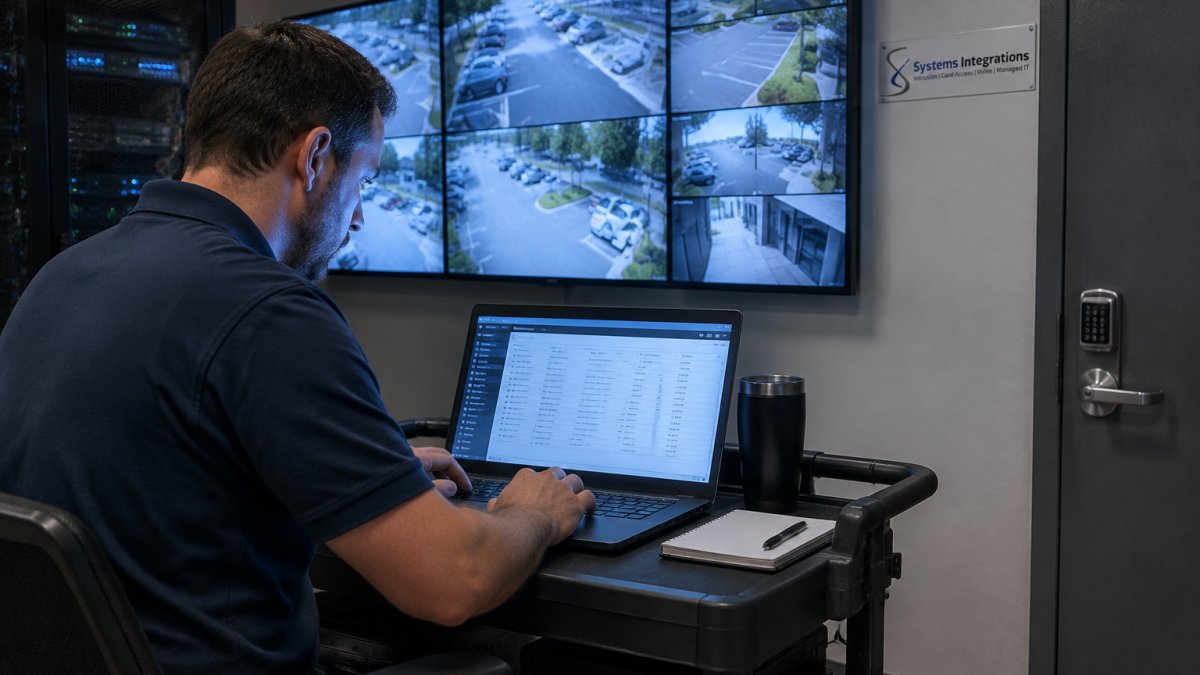
Staging the Update Before It Touches a Live Camera
Stage the update on one non-critical device first. Pick a camera covering a low-traffic hallway, not the loading dock. Install, then watch it for a few days.
What most guides miss is the dependency chain. A camera update can break recording if the recorder expects the old protocol. A controller update can lock out credentials if the integration partner has not certified the new build. Test the whole chain, not just the device.
Security Device Patch Management Across Cameras, Controllers, and Locks
Security device patch management means applying vendor fixes across every device class in your fleet on a schedule you control, not one vendor at a time when something breaks. Cameras get the attention. Controllers and door locks cause the outages.
Each class behaves differently:
| Device Class | Update Risk | Typical Watch-Out |
|---|---|---|
| IP cameras | Low to medium | VMS compatibility after update |
| Access controllers | High | Credential and integration breakage |
| Network door locks | Medium | Battery life and wireless re-pairing |
| Recorders and VMS | High | Downtime for every connected camera |
| Intrusion panels | Medium | Monitoring station signal changes |
A common mistake is patching cameras quarterly and forgetting the controller that ties them to access control. That controller holds your access permissions. Treat it as the priority, not the afterthought.
A Repeatable Patch Workflow for Commercial Security Devices
Most guidance stops at “apply updates.” A workflow you can actually run looks like this:
- Inventory. Maintain a living record of every device: make, model, current firmware, hardware revision, vendor support status, site, and network zone. Without this, you cannot answer the first audit question.
- Triage the advisory. Read the vendor release note for security fixes, changed defaults, dropped features, and known issues. Classify the update as critical (actively exploited or remote code execution), routine, or deferrable.
- Test on a staging device. Install on one non-critical unit of the same model and hardware revision. Confirm it boots, connects to the VMS or controller, records, authenticates, and reports health.
- Approve. Record who approved the change, the advisory reference, the test result, and the planned window. This is the evidence an auditor will ask for.
- Roll out in stages. Push to a small pilot group, then a site, then the fleet. Never push to every device in one night.
- Verify. After each stage, check device health, video retention, access events, and alarm signaling. Compare against the pre-update baseline.
- Close the record. Log the final version, any incidents, and the rollback decision if one was made.
Watch out: a firmware update that changes default credentials or certificate behavior can silently break integrations even when the device itself looks healthy, so verify the full chain, not just the device.
Compatibility, Dependencies, and Vendor Support Lifecycle
Before any update, build a compatibility matrix for each device model against your VMS version, recorder firmware, access control platform, and network infrastructure. A camera update can break recording if the recorder expects the old protocol.
Track vendor end-of-support dates in the same inventory. A device the vendor no longer patches is a permanent vulnerability, and no process fixes it. Plan replacement into the budget before the date arrives, not after.
Rollback and Recovery When a Patch Goes Wrong
Assume one will go wrong. Before touching a device, export its configuration and confirm you have access to the prior firmware image. If a device fails post-update, restore the image, reload the config, and confirm it reconnects to the VMS or controller.
Maintain security coverage during an outage by keeping a documented fallback: a spare device, a loaner from the integrator, or a temporary guard post. A rollback plan that leaves an entrance unmonitored is not a plan.
Building a Security System Update Policy That Survives an Audit
A security system update policy is a written rule set that says who approves firmware changes, when they happen, how they are tested, and how each one is documented.
Build the policy around five fields, and log every change against them:
- Device name and location
- Firmware version before and after
- Vendor advisory or release note reference
- Test result on the staging device
- Approver name and date
Add two rules that protect you. First, no update ships without a rollback plan. Second, administrative access changes with the update, so rotate passwords and review certificates in the same window.
Watch out: a policy with no maintenance-window calendar is just a wish. Publish the windows a quarter ahead so operations teams can plan around them.
Firmware Update Best Practices for Mixed-Vendor, Multi-Site Portfolios
Firmware update best practices for a mixed fleet come down to one idea: standardize what you can, and govern what you cannot. Cloud-managed platforms make this easier. Verkada’s cloud-managed security platform describes cameras, access control, and smart-building tools in one integrated system, which is the direction the market is moving.
For portfolios that are already mixed, run this sequence:
- Build a device inventory with model, firmware version, and vendor support status.
- Group devices by vendor and site.
- Rank groups by exposure: internet-facing first, then access control.
- Schedule updates per group, not per device.
- Verify each group after install before moving to the next.
Firmware Governance Across Mixed-Vendor Sites
A unified policy is what separates a managed fleet from a collection of devices someone updates when they remember.
The policy should name a single owner for firmware decisions, define approval thresholds (for example, critical security fixes may be approved by the security lead alone, while feature updates require operations sign-off), and require the same change record for every device class.
Maintenance-Window Planning and Outage Communication
Publish maintenance windows a quarter ahead so operations teams can plan around them. Group windows by site and by device class so you are not taking the same entrance offline twice in a month.
Communicate outages in advance to the people who will notice them: site managers, monitoring station contacts, and anyone who badges through the affected doors. A window nobody knew about becomes an incident report.
Measuring Firmware-Management Outcomes
Measure compliance, not effort. Useful measures include patch compliance rate by device class, update success rate, mean time from vendor advisory to install, failed updates and rollbacks per quarter, unsupported-device count, and security-system downtime attributable to updates. If you cannot state the compliance number for your fleet today, you do not have firmware management. You have hope.
Read how to standardize security hardware across multiple sites when your fleet has grown one acquisition at a time.
Rollback and Recovery When an Update Goes Wrong
Assume one will go wrong. Keep the prior firmware image and a configuration export for every device before you touch it. If a device fails post-update, restore the image, reload the config, and confirm it reconnects to the VMS or controller.
The thing nobody tells you about rollback is that it fails most often because nobody saved the config. The firmware comes back. The settings do not.
Measuring Whether Firmware Management Is Working
Measure update compliance. Compliance means the share of devices running a supported firmware version within your defined window.
Track these four:
- Update compliance rate by device class
- Mean time from vendor advisory to install
- Failed updates and rollbacks per quarter
- Devices past vendor end-of-support
That last one matters most. A device the vendor no longer patches is a permanent vulnerability, and no process fixes it. Plan replacement into the budget.
A maintenance checklist for commercial security systems gives you a simple way to confirm updates and upkeep are actually happening across sites.
Handing Firmware Management to a Single Point of Contact
Firmware management across multiple sites and vendors involves coordinating separate portals, release cadences, and support queues for each vendor.
A single point of contact can consolidate ownership of the inventory, testing, maintenance windows, and rollback planning.
Our cybercentric approach pairs NDAA-compliant hardware with centralized management for cloud-managed access control, IP video surveillance, and cloud licensing across multi-site portfolios.
See what is included in a commercial security service agreement if you want to compare coverage. And if you run multiple locations, managing security infrastructure across multiple locations shows how one provider coordinates it all.
Firmware management is not glamorous. It is the difference between a system you trust and a system you hope about.
Frequently Asked Questions
Why should commercial security system firmware be updated regularly?
Firmware is the software running inside cameras, access controllers, and intrusion panels, and older versions carry known vulnerabilities that attackers can exploit. An unpatched device can be a potential entry point into your network. Regular firmware management closes those gaps, keeps devices compatible with your VMS and cloud platform, and gives you a documented update trail for compliance reviews.
How often should commercial security system firmware be updated?
A practical cadence is to review vendor releases monthly, apply critical security patches within days of publication, and schedule routine feature updates during planned maintenance windows. Devices on network edges, such as IP cameras and cloud-managed controllers, warrant the fastest turnaround because they are reachable from outside the building. Anything touching access control or intrusion detection should be tested on a small group first. Your security system update policy should state these intervals explicitly so the schedule does not depend on someone remembering.
How can you roll back a firmware update if it causes problems?
Before deploying, confirm the vendor supports reverting to the prior firmware version and download that file so it is on hand. Record the current firmware version and configuration for every device in the batch, and verify you have administrative access to restore settings. If a device fails after an update, isolate it from the network, restore the saved configuration, and reapply the previous firmware. Testing on a small pilot group first is what keeps a rollback from becoming a site-wide outage.
Who is responsible for managing firmware across multiple security sites?
In most distributed organizations the responsibility splits: IT owns network access and cybersecurity standards, facilities or security operations own the devices, and the integrator coordinates the actual updates. The failure mode is when no one holds the full picture, so device inventory, firmware versions, and update compliance drift site by site. Naming a single point of contact who maintains the inventory and runs the update schedule, whether in-house or through an integrator, is what keeps multi-site firmware management consistent.
