
Last Updated: November 21, 2026
Quick Summary
To audit multi-site security system performance, build a written checklist covering scope, controls, evidence and scoring, then apply it identically at every location. Walk each site in the same order, test cameras, access control, alarms and the network closet, and score every site on the same weighted metrics. Schedule audits by risk, with critical sites reviewed quarterly and monthly remote health checks for all sites.
- Set control weights before any site visit so critical failures outrank minor ones.
- Walk each site in the same order: perimeter, entrances, interior, then network closet.
- Run a live alarm drill at least once, since a silent test proves only the panel works.
- Critical sites get a full on-site audit every quarter; low-risk sites annually plus remote checks.
- Every finding needs an owner, deadline, evidence field and a scheduled retest.
Table of Contents
- Start With a Repeatable Multi-Site Security Audit Checklist
- Run a Physical Security System Assessment at Every Site
- Check Camera Coverage, Image Quality and Blind Spots
- Test Access Control, Intrusion Detection and Alarm Response
- Score Each Site With Security System Performance Metrics
- Set Physical Security Audit Frequency Across Your Portfolio
- Book Your Free Multi-Site Security Consultation
- Frequently Asked Questions
Start With a Repeatable Multi-Site Security Audit Checklist
A multi-site security audit works only when every location is judged by the same rules. A written checklist comes first, then it is applied identically across the portfolio. Without that consistency, you get opinions instead of evidence, and you cannot compare one site to another.
The checklist is your audit backbone. It should cover cameras, access control, intrusion detection, monitoring, storage, and the network that ties them together.
Build it in four parts:
- Scope: list every site, building, and controlled area
- Controls: name each device and system you will test
- Evidence: define what proof counts, such as logs, photos, or test records
- Scoring: assign a weight to each control before anyone visits a site
That last point matters most. Set the weights early so a weak camera at a low-risk site does not outrank a failed alarm at a critical one.
A repeatable checklist also supports compliance reviews by showing a documented, consistent process rather than a one-time scramble. For teams managing several properties, our guide to managing security infrastructure across multiple locations expands this into a full operating playbook.
Run a Physical Security System Assessment at Every Site
A physical security system assessment is a hands-on inspection of what is installed and how well it works. It differs from a desk review because someone must stand in front of the equipment, test it, and record the result.
Walk each site in the same order every time: perimeter, entrances, interior, then the network closet. That sequence keeps you from missing corners under time pressure.
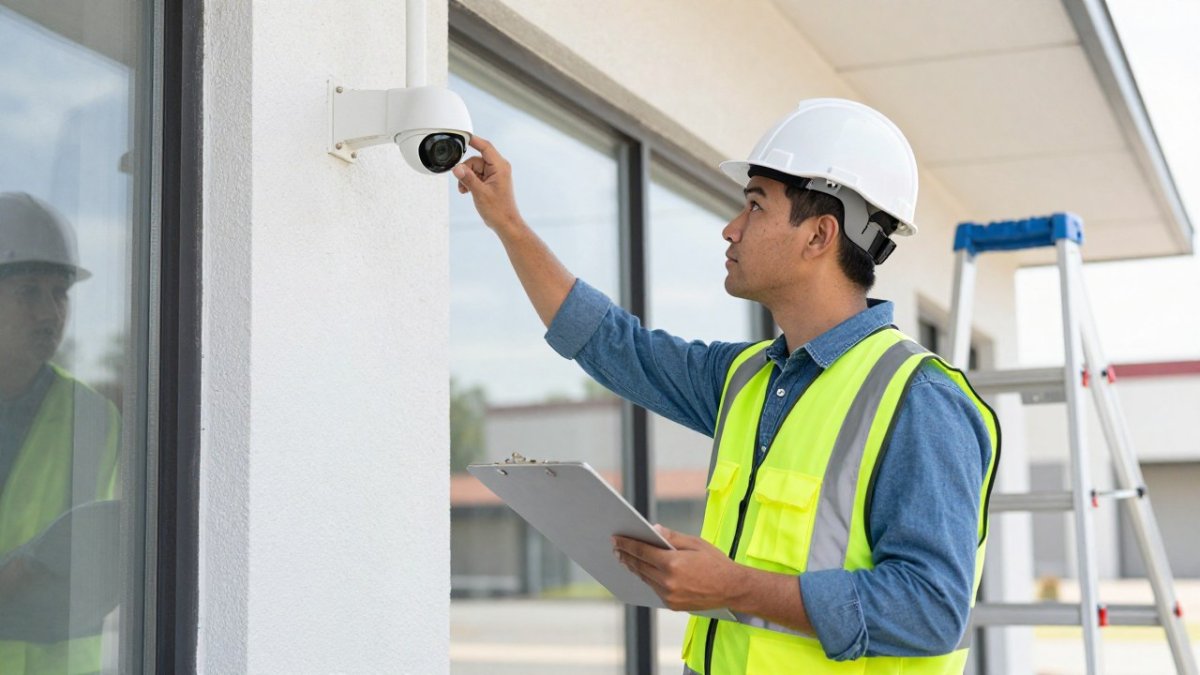
What most guides miss is the network closet. A camera can look perfect and still fail because its switch, power supply, or cabling is neglected. Check those components with the same care as the devices themselves.
Standardizing hardware across locations makes every future audit faster. Our article on how to standardize security hardware across multiple sites covers that groundwork.
Check Camera Coverage, Image Quality and Blind Spots
Camera coverage is the first thing to test, and the easiest to fake. A camera that points at a door is not the same as a camera that captures a usable face at that door.
Test coverage by walking the site and watching live footage from a phone or monitor. Confirm each camera sees what its position claims. Then look for blind spots at entries, loading areas, cash handling points, and stairwells.
Image quality needs a real check, not a glance. Review footage at night and in bad weather. Can you read a license plate? Identify a face? If not, the camera needs adjustment or replacement.
Common mistakes we see:
- Cameras aimed too high or too wide to capture detail
- New shelving or signage blocking a once-clear view
- Recording at low resolution to save storage
- No camera covering the network closet itself
A useful benchmark is a case study. Our look at how Rhombus Systems unified multi-site video surveillance shows what consistent coverage looks like across a portfolio.
Test Access Control, Intrusion Detection and Alarm Response
Access control and intrusion detection are where a quiet failure becomes a real risk. A door that fails to lock or an alarm that never reaches anyone is worse than no system, because people trust it.
Test access control at every controlled door. Confirm that credentials work, that tailgating is caught, and that door-held-open alerts fire. Review the entry logs for gaps.
Then test intrusion detection. Trigger each sensor and confirm the alarm reaches the monitoring station or the right contact. Measure how long the alert takes to arrive.
Alarm response deserves its own line in your checklist:
- Who receives the alert, and in what order?
- Is there a documented emergency procedure?
- When was the last live test, not just a silent one?
Watch out: a silent test proves the panel works, not that a person responds. Run a live drill at least once and time the result.
Score Each Site With Security System Performance Metrics
Security system performance metrics turn a pile of notes into a ranking. Score each site on the same weighted scale so leadership can see where risk concentrates, and define a measurable target for every metric before the first site visit. A score without a benchmark is just an opinion in a spreadsheet.
A simple scorecard works well. Weight each category by business impact, then score every site from 1 to 5 against a written target.
| Category | Weight | What You Score | Example Target |
|---|---|---|---|
| Camera coverage and image quality | 25 | Blind spots, night clarity, retention | No unmonitored entry; identifiable face at each controlled door at night |
| Access control and entry control | 20 | Lock function, logs, tailgating | Every controlled door locks and logs; tailgating alert fires within the expected window |
| Intrusion detection and alarms | 20 | Sensor function, alert delivery | Every sensor triggers; alert reaches the monitoring station on the first attempt |
| Monitoring and incident response | 15 | Response time, escalation path | Alert acknowledged within the documented service level; escalation path confirmed live |
| Storage, retention, footage retrieval | 10 | Retention period, playback speed | Footage retained for the policy period; a requested clip retrieved within the agreed time |
| Equipment condition and network | 10 | Uptime, cabling, cybersecurity | Device uptime meets the internal standard; firmware current; network segmented |
Weight
Multiply each score by its weight, then total. A site scoring low on alarms and access control needs attention before one scoring low on storage.
Define the practical service levels that make the score meaningful. These measures help separate a working system from one that merely exists:
- Camera uptime: the percentage of scheduled hours each camera is recording and reachable. Track it from the video management system, not from a walkthrough.
- Alert delivery time: the interval between a triggered sensor and the alert arriving at the monitoring station or on-call contact. Time a live test, not a silent one.
- Detection accuracy: how often a triggered event is a genuine intrusion versus a nuisance alarm. A high false-alarm rate erodes response discipline.
- Footage retrieval time: how long it takes to locate and export a requested clip. This is the metric that matters during an investigation or a records request.
- Storage retention: the actual days of footage available per camera, compared with the written retention policy.
Watch out: a site can pass every equipment check and still fail on retrieval time, because retention was quietly shortened to save storage. Verify the actual retained days per camera rather than trusting the configured setting.
Track the same metrics over time. Trends show whether maintenance is working, and a metric that drifts across several sites at once usually points to a central platform or network issue rather than a local fault. For a structured review, our year-end security system audit checklist gives you a ready-made framework.
Set Physical Security Audit Frequency Across Your Portfolio
Physical security audit frequency should match risk, not convenience. Auditing every site every month sounds thorough but burns out your team. Auditing none of them is how failures hide. The practical answer for a large portfolio is a risk-based schedule plus a sampling method, with a clear split between what you test remotely and what requires a site visit.
Start by tiering sites by risk: criticality of operations, public exposure, prior findings, and the value of what the site protects. A workable cadence looks like this:
- Critical sites: full on-site audit every quarter
- Standard sites: full on-site audit twice a year
- Low-risk sites: annual on-site audit plus remote checks
- All sites: monthly remote health checks on uptime, alerts, and storage
For portfolios too large to visit on that schedule, use sampling. Audit every critical site in full, then sample a rotating subset of standard and low-risk sites each cycle so every location is visited within a defined window.
Split the checks by where they can be performed. Remote checks cover device uptime, firmware and patch status, account permissions, alert routing, storage retention, and backup power status where the platform reports it. On-site checks cover camera aim and image quality, door hardware and locking, sensor placement, cabling, and the physical condition of the network closet.
Also audit the cybersecurity and resilience side. Connected cameras and access panels are network devices, and a weak device is a way in. Confirm firmware updates, credential hygiene, and network separation as part of every review, and test what happens when connectivity or power is lost.
Finally, close the loop. Every finding needs an owner, a deadline, an evidence field, and a retest step. A finding without a retest is a note, not a fix.
Book Your Free Multi-Site Security Consultation
Auditing a portfolio is a discipline, and it pays off in fewer surprises, cleaner compliance evidence, and faster response when something fails. The hard part is doing it the same way at every site, every time.
That is where we come in. Systems Integrations delivers NDAA-compliant, cybercentric physical security for single-site and multi-location enterprises, with centralized management for cloud-managed access control, IP video surveillance, and cloud SaaS licensing, and serves as a dedicated single point of contact for distributed organizations.
Before you book, see how an audit can prove your security system qualifies for insurance premium reductions.
If inconsistent audits are leaving gaps you cannot see, we can help you close them. Our team brings over 25 years of experience, NDAA-compliant systems, and centralized management that ties every location into one view. Get started with Systems Integrations and turn your next audit into a clear, prioritized action plan.
Frequently Asked Questions
How do you audit a physical security system across multiple sites?
Use one standardized process at every location so results are comparable. Start with a written multi-site security audit checklist covering cameras, access points, intrusion detection, storage and monitoring. Test each control on site rather than reviewing paperwork alone, record pass or fail results, and score each site against the same weighted metrics. Centralized testing through a single management platform lets you compare footage retrieval, alert delivery and system uptime side by side instead of relying on site-by-site impressions.
How often should security systems be audited?
Most portfolios need a tiered schedule rather than one annual review. Run a full physical security system assessment yearly at every site, a lighter quarterly check of cameras, access control and alarms, and monthly verification that recording storage and alert delivery are working. High-risk locations such as government-contracted or healthcare facilities warrant more frequent testing. Rotate deep audits across a large portfolio so each site gets full attention without stretching staff, and re-audit immediately after any incident or major system change.
What security system performance metrics should be tracked across sites?
Track a small set of measurable metrics: camera uptime, percentage of coverage areas free of blind spots, footage retention days actually achieved versus policy, average footage retrieval time, alert delivery time, false alarm rate, access control event accuracy and mean time to corrective action. Assign weights so critical controls count more, then publish a score per site. These metrics turn a subjective walkthrough into a site-by-site comparison you can defend to leadership and use to prioritize remediation spending.
How do you identify gaps in a video surveillance system?
Walk each site with the camera layout in hand and confirm every entrance, exit, cash or asset area, and perimeter segment is covered at a usable image quality. Review recorded footage at different times of day to catch blind spots caused by glare, shadows or new obstructions. Check retention against policy, test remote access and footage retrieval, and confirm alerts reach the right people. Document every gap with a photo and a priority rating so corrective action can be scheduled and verified.
