
Table of Contents
- The Real Cost of Brass Keys: What You’re Actually Paying For
- Why Cloud-Based Access Control Makes Sense for Small Offices
- Industry-Specific Use Cases: Retail, Law Firms, and Medical Offices
- Access Control for HIPAA Compliance in Medical Offices
- Cloud Access Control Cost for Small Business: A TCO Breakdown
- Mobile Credential Access Control Benefits for Small Teams
- Your Buyer Checklist: What to Evaluate Before You Commit
- Conclusion: Is Cloud-Based Access Control Worth It for Your Office?
- Frequently Asked Questions
Last Updated: October 1, 2026
The Real Cost of Brass Keys: What You’re Actually Paying For
Most small business owners never calculate what their keys cost them. The locksmith invoice after a manager quits is easy to see. The duplicate key nobody tracked, the delivery driver who still has a copy, the late-night trip because someone forgot to lock the back door: those costs stay invisible until something goes wrong.
Shared master keys are the most common failure point we see in small offices. When one goes missing, owners usually rekey the front door only, leaving back-of-house, cash office, and storage locks on the old key. The exposure stays open for months.
Why Cloud-Based Access Control Makes Sense for Small Offices
Cloud-based access control is a system where door controllers connect to the internet and your credentials, schedules, and access logs live in a hosted platform instead of a server closet. For a small office, that means no local machine to patch, back up, or replace.
No On-Site Server to Patch or Maintain
An on-premises server is a small computer in your office holding your access database. It needs updates, a battery backup, and a plan for when the hard drive dies on a Friday afternoon. Cloud systems move that burden to the provider, which matters when you have no dedicated IT staff.
Remote Management: Revoke a Credential From Your Phone
The single biggest operational win is remote management. When an employee leaves, you disable their credential from your phone in seconds. No locksmith, no waiting for the next business day, no wondering whether they kept a copy of the key.
Industry-Specific Use Cases: Retail, Law Firms, and Medical Offices
Different small businesses lock down different doors for different reasons. A restaurant worries about the walk-in and the cash office; a law firm worries about case files and a server closet; a dental practice worries about medication storage and patient privacy. The hardware is often similar, the door schedule, credential rules, and audit needs are not.
Retail and Restaurants: Inventory, Cash, and Deliveries
The highest-risk areas in retail and food service are the back-of-house, the cash office, and the walk-in cooler. A card access system lets you give a delivery driver a time-limited credential that works only during the scheduled window, without handing over a master key that also opens the office and the safe room.
A typical configuration looks like this:
- Back door / receiving: scheduled access during delivery windows, logged
- Cash office: named managers only, with a door-held-open alert
- Walk-in cooler or liquor storage: restricted to closing and opening staff
- Front door: time-based unlock during business hours, locked after close
Law Firms and Insurance Agencies: Confidentiality and Compliance
Law firms and insurance agencies hold client files that carry confidentiality obligations. Restricting the server closet and file room to named staff, and keeping an access log of who entered, supports those obligations and gives you a defensible record if a question ever arises.
Common door rules for these offices:
- File room and records storage: named staff only, full audit trail
- Server closet: restricted to IT or designated personnel
- Conference room: scheduled access for client meetings, auto-lock after
- After-hours entry: limited to partners or on-call staff
Medical and Dental Practices: Privacy and Controlled Areas
Medical and dental offices have the tightest access requirements of the three, balancing patient privacy, medication security, and the flow of a busy clinic day.
- Medication storage and records rooms: named staff only, with an audit trail
- Staff zones separated from patient waiting areas
- After-hours access limited to on-call personnel
- Access logs retained so you can show who entered and when
Pair door access with intrusion monitoring so after-hours entries trigger an automated alert. That combination catches a propped door or an unauthorized entry while it’s happening, not the next morning.
The Common Thread
Across all three verticals, the pattern is the same: identify the doors that carry risk, assign credentials by role rather than by key, and let the log do the remembering. The vertical changes which doors matter, not whether the platform can handle them.
Access Control for HIPAA Compliance in Medical Offices
Access control for HIPAA compliance means limiting physical access to areas where protected health information and medication are stored, and keeping a record of who entered. The HIPAA Security Rule requires reasonable safeguards for physical access to systems holding electronic protected health information, as outlined by the U.S. Department of Health and Human Services.
- Medication storage and records rooms: named staff only, with an audit trail
- Staff zones separated from patient waiting areas
- After-hours access limited to on-call personnel
- Access logs retained so you can show who entered and when
Cloud Access Control Cost for Small Business: A TCO Breakdown
What matters is the shape of the spend: brass keys front-load cost into unpredictable events, while cloud access control spreads it into a predictable monthly line item you can budget against.
The Four Cost Buckets That Actually Move
Every small office access decision comes down to four buckets:
| Cost Bucket | Brass Keys / Legacy Locks | Cloud-Based Access Control |
|---|---|---|
| Upfront hardware | Locks, cylinders, keys | Readers, controllers, PoE hardware, wiring |
| Recurring cost | Rekeys after turnover, key duplication | Subscription per door, per user, or per credential |
| Event-driven cost | Locksmith call-outs, lock replacement after a break-in | Remote credential changes, no truck roll |
| Risk cost | Internal theft, uninsured loss, false-alarm fines | Audit trail, alarm verification, faster incident response |
How the Subscription Offsets Key-Related Losses
A cloud subscription isn’t a new cost layered on top of your old one. It replaces several costs you’re already paying, often without tracking them:
- Rekey labor and hardware. Every turnover that triggers a rekey is a service call plus new cylinders. A cloud system handles the same event with a few clicks in a browser.
- Duplicate key exposure. You can’t audit a key that was copied at a hardware store. A credential can be revoked, and the revocation is logged.
- Emergency locksmith visits. After-hours lockouts and lost master keys generate premium service calls. Remote unlock and remote revocation eliminate most of them.
- After-hours false alarms. Verified access events and door-held-open alerts reduce nuisance alarms, which in many jurisdictions carry escalating fines for repeat offenders.
- Internal shrinkage. A documented entry log changes behavior. Most operators find that simply knowing entries are recorded reduces unexplained inventory loss.
The Three-to-Five-Year View
Here’s the mental model we walk small offices through. Take your annual spend on rekeys, locksmith calls, and lock hardware replacement. Add a realistic estimate for shrinkage you can’t explain. That total is your current cost of staying on brass keys, and it’s almost never zero. Compare it to a cloud system’s total: hardware amortized over its service life, plus the subscription over the same period.
Ask your integrator to model the comparison using your own turnover rate and your last two years of locksmith invoices. A TCO conversation built on your numbers is far more useful than a generic payback claim.
What Drives the Subscription Price
Subscription pricing varies by licensing model, per-door, per-user, or per-credential. A 2-door office with 15 staff prices differently than a 4-door office with 60 staff, even on the same hardware. When comparing quotes, normalize them to a per-door, per-year figure so you’re comparing like with like.
Mobile Credential Access Control Benefits for Small Teams
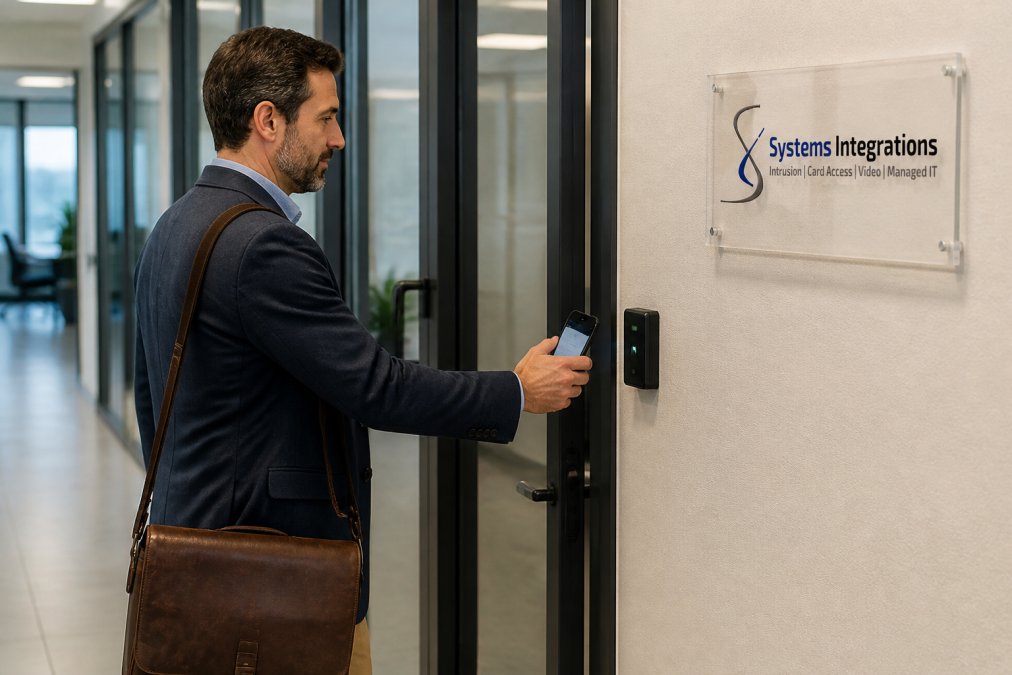
Mobile credential access control benefits start with what your team already carries: a phone. Instead of issuing and tracking key fobs, you send a mobile credential that works at the reader, removing the fob handoff problem entirely.
The advantages add up:
- No lost fobs to replace
- Credentials issued and revoked instantly
- Time-limited access for contractors and deliveries
- One less physical item to manage
Your Buyer Checklist: What to Evaluate Before You Commit
Before you sign anything, evaluate the system against your actual doors, not a demo. Small offices get burned by platforms built for enterprise scale, or by cheap hardware that can’t grow.
Use this checklist:
- Reader encryption: Confirm the reader supports OSDP, the modern encrypted standard for reader-to-controller communication
- Mobile compatibility: Verify mobile credentials work on the phones your staff actually use
- Door count scalability: Make sure you can add doors later without replacing the controller
- Power-over-Ethernet hardware: PoE simplifies wiring and reduces install cost
- Cybersecurity posture: Ask how the platform encrypts data and handles firmware updates
- API integration: Check whether the system connects to your video surveillance and intrusion alarm
- Audit trails and access logs: Confirm you can export a record of who entered and when
- Support and response: Ask what happens when something fails, and who you call
The strongest setup for a small office is one integrator managing access control, video surveillance, and intrusion on a single platform. One point of contact, one dashboard, one bill.
Conclusion: Is Cloud-Based Access Control Worth It for Your Office?
For most 1 to 4-door offices, the answer is yes, provided you pick hardware that scales and a partner who supports it. The recurring subscription is the trade you make for eliminating rekeys, locksmith emergencies, and the total lack of visibility that brass keys create.
Frequently Asked Questions
Does cloud-based access control require a dedicated on-site server?
No. Cloud-based access control runs on the provider’s secure infrastructure, so you don’t need an on-premises server to patch, maintain, or replace. Your door controllers connect to the internet and communicate with the cloud platform. This eliminates server hardware costs, firmware maintenance, and the IT overhead of keeping a local machine running. For small offices without dedicated IT staff, that removal of server responsibility is one of the biggest practical advantages.
Can small businesses manage cloud access control without an IT department?
Yes. Cloud platforms are designed for browser and mobile app management, so a practice manager or office administrator can add users, revoke credentials, and review access logs without IT training. User provisioning takes minutes, and automated alerts notify you of unusual activity. If your office already handles basic software like email or scheduling tools, you can manage cloud-based access control the same way.
What are the disadvantages of using a cloud-based system?
Cloud systems depend on internet connectivity, so a network outage can affect real-time management, though local door decisions typically continue at the reader. Subscription fees are ongoing rather than a one-time purchase, which some owners prefer to avoid. You also need to verify your provider follows strong encryption protocols and cybersecurity practices. For most small offices, these trade-offs are outweighed by remote management, automatic updates, and no server maintenance.
How do mobile credentials work for small business employees?
Mobile credentials store an encrypted identity on an employee’s smartphone, which communicates with the door reader the same way a key fob or card does. You issue the credential through the cloud platform, and the employee uses their phone to enter. When someone leaves, you revoke access instantly from your browser or phone. Mobile credentials reduce the cost of lost fobs and give you a clear audit trail of who entered and when.